
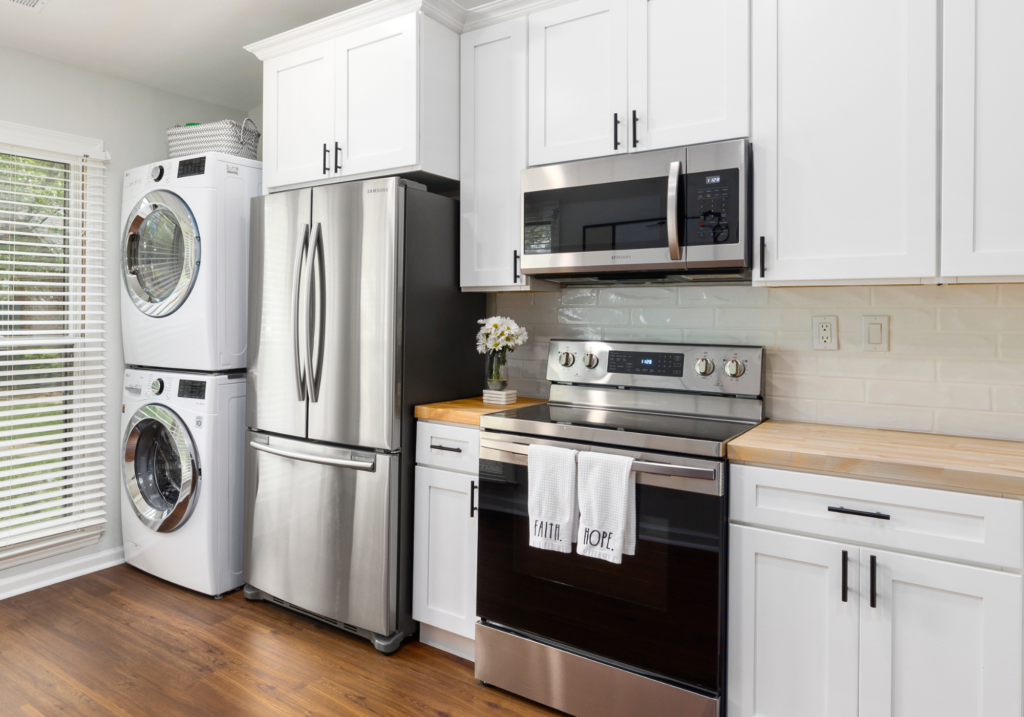
Photo by Curtis Adams
What we’ll cover
- Why most homeowners are one breakdown away from a costly, avoidable scramble
- What an appliance inventory actually is and what to put in it
- How tracking your appliances saves you real money over time
- How to create an appliance inventory in under an hour
- How eeva can help you build and maintain your appliance inventory
Quick question: if your washing machine stopped working tonight could you immediately tell a repair technician the make, model, purchase date, and whether it’s still under warranty?
Most homeowners can’t. And that gap between owning your appliances and actually knowing them, is where stress, overspending, and wasted time quietly accumulate.
An appliance inventory fixes that. It’s one of the simplest, highest-leverage things you can do as a homeowner. Here’s why it matters, and how to build one.

What is a home appliance inventory?
A home appliance inventory is a simple record of every major and small appliance in your home that notes: what it is, who made it, when you bought it, what it cost, where the warranty lives, and when it last had maintenance.
Think of it as a contact list, but for your home’s most expensive equipment.
A complete appliance inventory typically includes:
- Appliance name + type (e.g. LG French Door Refrigerator)
- Make, model + serial number — critical for repair calls and warranty claims
- Purchase date + retailer
- Purchase price
- Warranty details — length, expiration date, and where the documentation is stored
- Last service or maintenance date and details
- Notes — recurring issues, repair history, anything useful for future reference
It may sound like a lot, but it really takes about an hour to set up the first time, and very little to maintain after that.
Why most homeowners don't have one and why that's a problem
Nobody sits down and thinks “I should build a spreadsheet of my appliances.” It’s the kind of thing that feels unnecessary right up until the moment it isn’t.
Here’s when it matters most:
- When something breaks. Over half of all major appliance purchases in the US are triggered by an unexpected breakdown, not a planned upgrade (Mintel, 2023). Most homeowners are making expensive, high-stakes decisions while already stressed. Being able to pull up your appliance’s age, model, and warranty status in that moment is the difference between a clear decision and an expensive guess.
- When you need a repair tech. The appliance repair industry is a $12 billion+ market with thousands of independent businesses (Market Reports, 2025). When something breaks, you’re navigating a fragmented, confusing landscape under pressure. Having your make, model, and serial number ready shortens that process significantly — and in some cases, determines whether a tech will even take the job.
- When warranty coverage is on the line. Most appliance warranties require proof of purchase and registration to be valid. Without a record, you lose that protection entirely. This is where disorganization = more spending.
- When you’re budgeting for the year. Appliances don’t last forever (a fridge typically runs 10–18 years, a washing machine 10–14, a dishwasher 9–12). Without purchase records, replacements just hit you. With an inventory, you can see what’s aging out and plan ahead.
PRO TIP: If the repair cost exceeds 50% of the appliance’s current replacement value, and the appliance is more than halfway through its expected lifespan, replace it.

Which appliances a good inventory covers
Here’s a room-by-room framework to make sure you don’t miss anything major:
- Kitchen: Refrigerator · Freezer · Dishwasher · Oven · Range hood · Microwave · Garbage disposal · Espresso machine · Stand mixer · Toaster oven · Air fryer
- Laundry: Washing machine · Dryer
- HVAC + utilities: Central AC unit · Furnace/boiler · Water heater · Sump pump · Air purifier · Dehumidifier · Humidifier
- Other: Ceiling Fan · Garage door opener · Generator · Vacuum · Lawn mower · BBQ/Grill · Fireplace · Smart home devices (thermostats, doorbells, locks)
Don’t overthink the scope. Start with your major appliances, AKA anything over $200 that would create a real problem if it stopped working.
How to build your appliance inventory
- Step 1: Walk through your home room by room. Find every major appliance and note down its make, model, and serial number (usually on a sticker inside the door or on the back). Or, just scan your appliance labels and auto-pull these details with eeva!
- Step 2: Pull purchase records. Check email receipts, credit card statements, or retailer account history (Home Depot, Lowe’s, Best Buy) to find purchase dates and prices.
- Step 3: Locate warranty documents. Found in physical manuals, email confirmations, or manufacturer registration portals. Register anything you haven’t already, as many warranters require it.
- Step 4: Record the last service date for anything that gets regular maintenance (HVAC, water heater, sump sump, etc.). Hit the 5 W’s: who performed the service, what they did, where in the house it was, when it happened, and why.
- Step 5: Put it somewhere you’ll actually use it. A spreadsheet works. A note in your phone is better than nothing. A dedicated home management tool (like eeva) is best because it can remind you when maintenance is due and help you think proactively rather than depending on your memory alone.
A better way to keep track
The problem with a spreadsheet is that it’s static. It doesn’t remind you that your water heater is due for a flush, or that your AC warranty expires next March, or that your dryer is 11 years old and statistically overdue for attention.
That’s the gap eeva is designed to fill—a home management system that doesn’t just store your appliance information, but works with things like:
- Maintenance reminders
- Warranty tracking
- Repair-or-replace guidance
- Service history record
- Plus a scanner tool to completely cut manually jotting down make, model and serial numbers. Just point, scan, and save!
It’s the kind of system that takes appliance management off your plate, so your time is freed up to focus on the stuff that really matters to you.
Ready to try it? Download eeva and start building your home’s digital brain, one appliance at a time.
Want more tips on managing your home? Sign up for eeva’s Household Digest: a monthly drop of hot home hacks to lighten life at home, delivered straight to your inbox!
Related reads:
Think someone could benefit from reading this?
Share it with ‘em!
Try eeva for free!


Want more tips to lighten your load?
If you liked this, you’ll love eeva’s Household Dispatch! Receive tips, tricks, resources, and eeva updates straight to your inbox every month to make life at home easier.